Intake and consents
Start the record at intake and keep consents with it. Disclosures later are consent-gated.
Treatment centers
For a treatment center, Dorian covers residential operations: beds, intake, testing, observed medications, incidents, and follow-up after discharge. It sits alongside the clinical EHR the program already uses. It does not replace that clinical EHR. A fuller clinical chart is a later ambition, not this product.
Treatment center preview
Beds, a blank intake, observed medications, incident reports, alumni check-ins, and drug tests. Residents take their own medication. Staff observe and document each dose. Resident goals and case notes are house notes, not a treatment plan or an encounter.
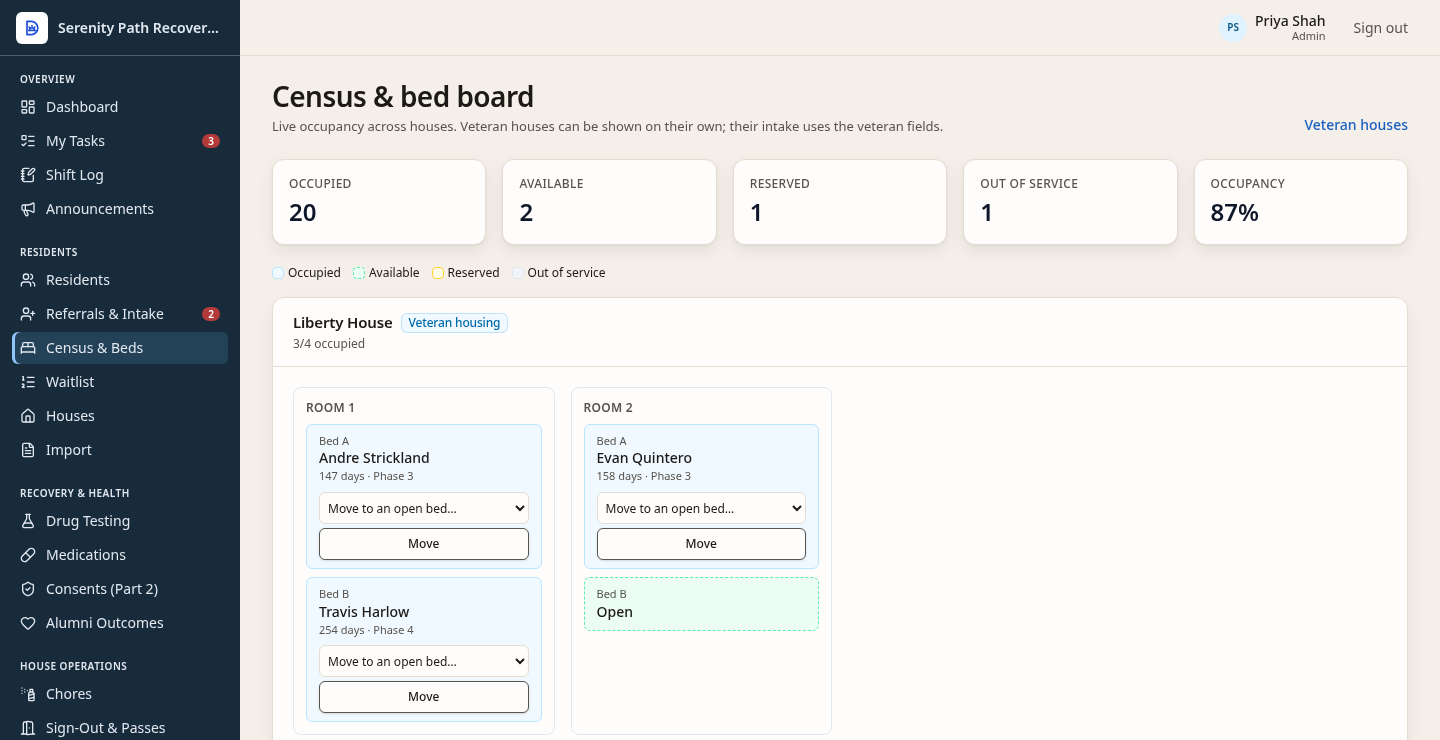
Each bed is occupied, open, reserved, or out of service. This is the house side of the stay, not a certified medical record.
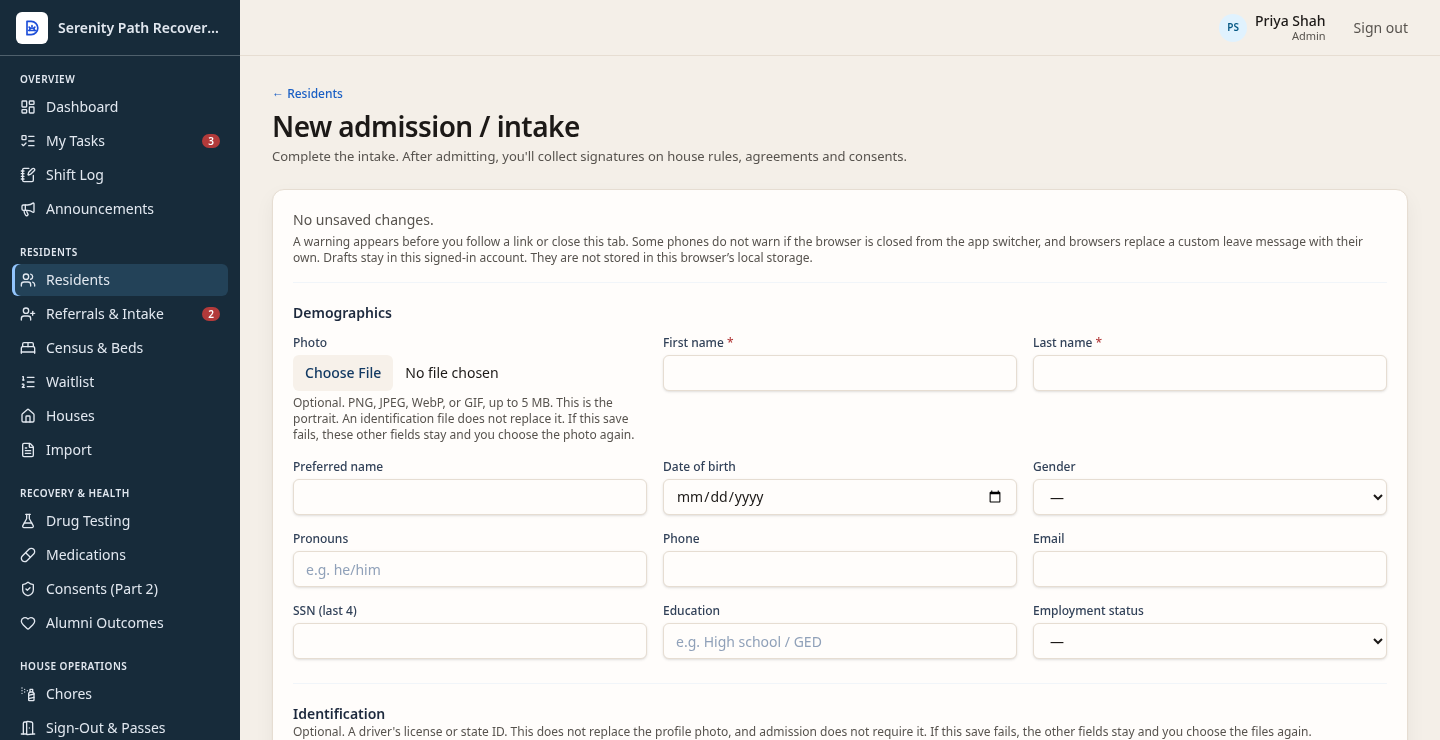
The form collects the person, the bed, and the stay. This picture is blank on purpose. It is not a clinical EHR.
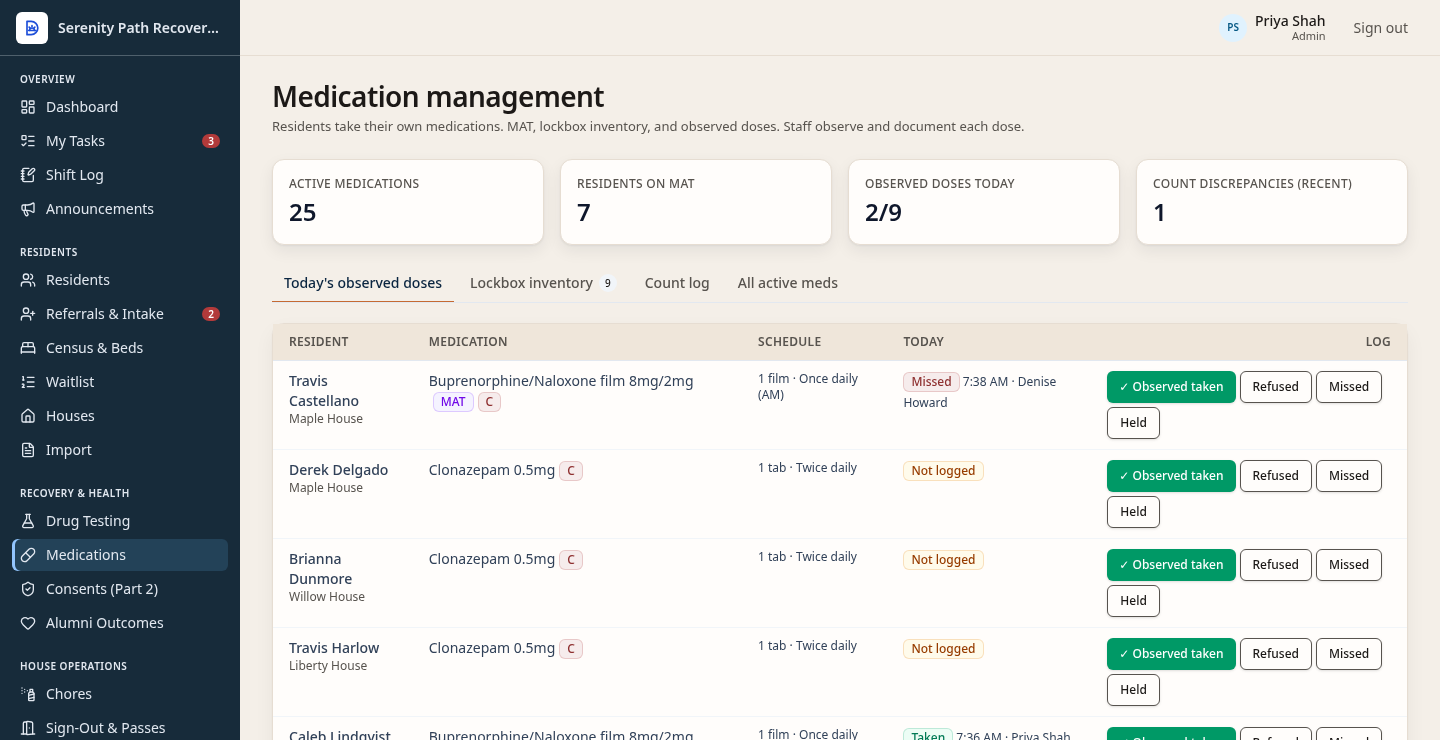
Staff record what they observed a resident take, miss, or refuse, including MAT. Residents take their own medication. This is not a certified medical record.
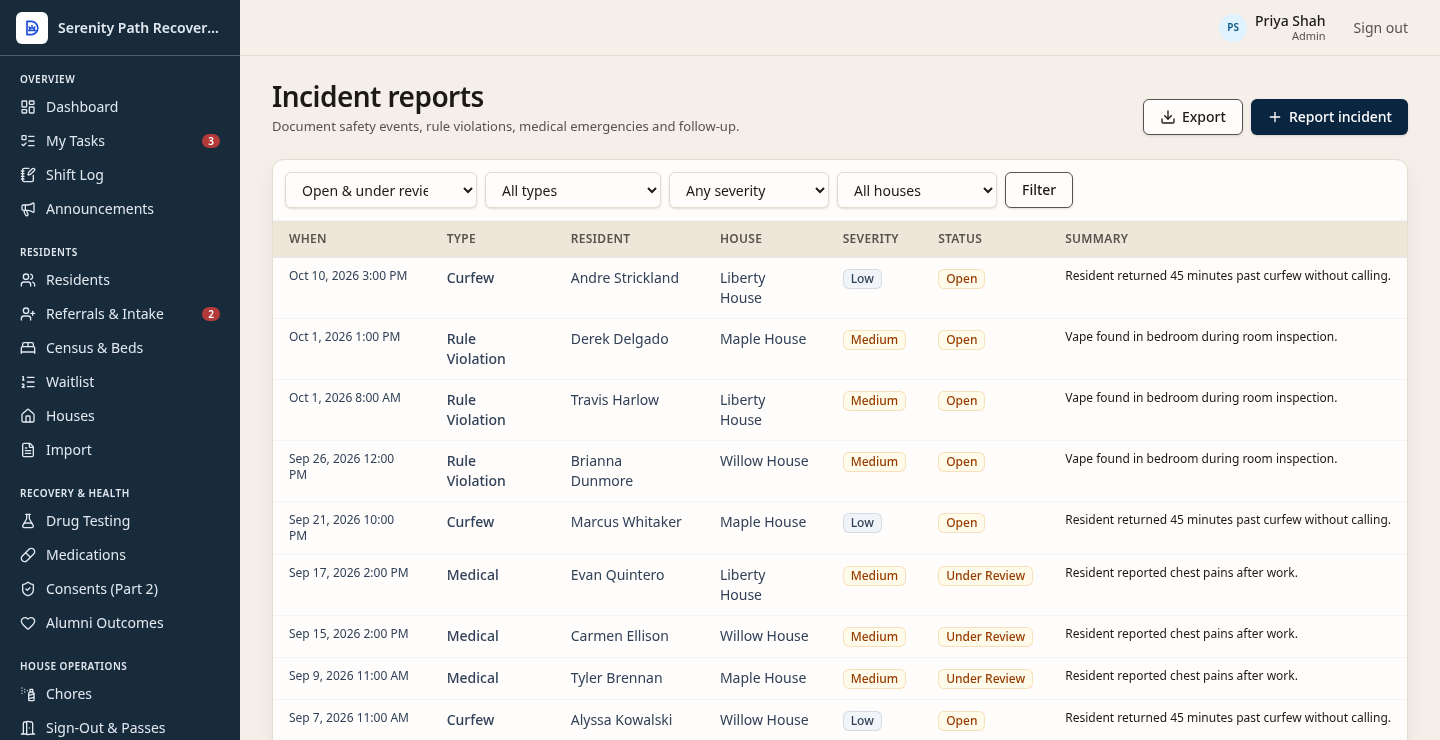
A medical concern, a rule violation, or a late return sits on one list, open or under review. This is a house report, not a clinical chart.
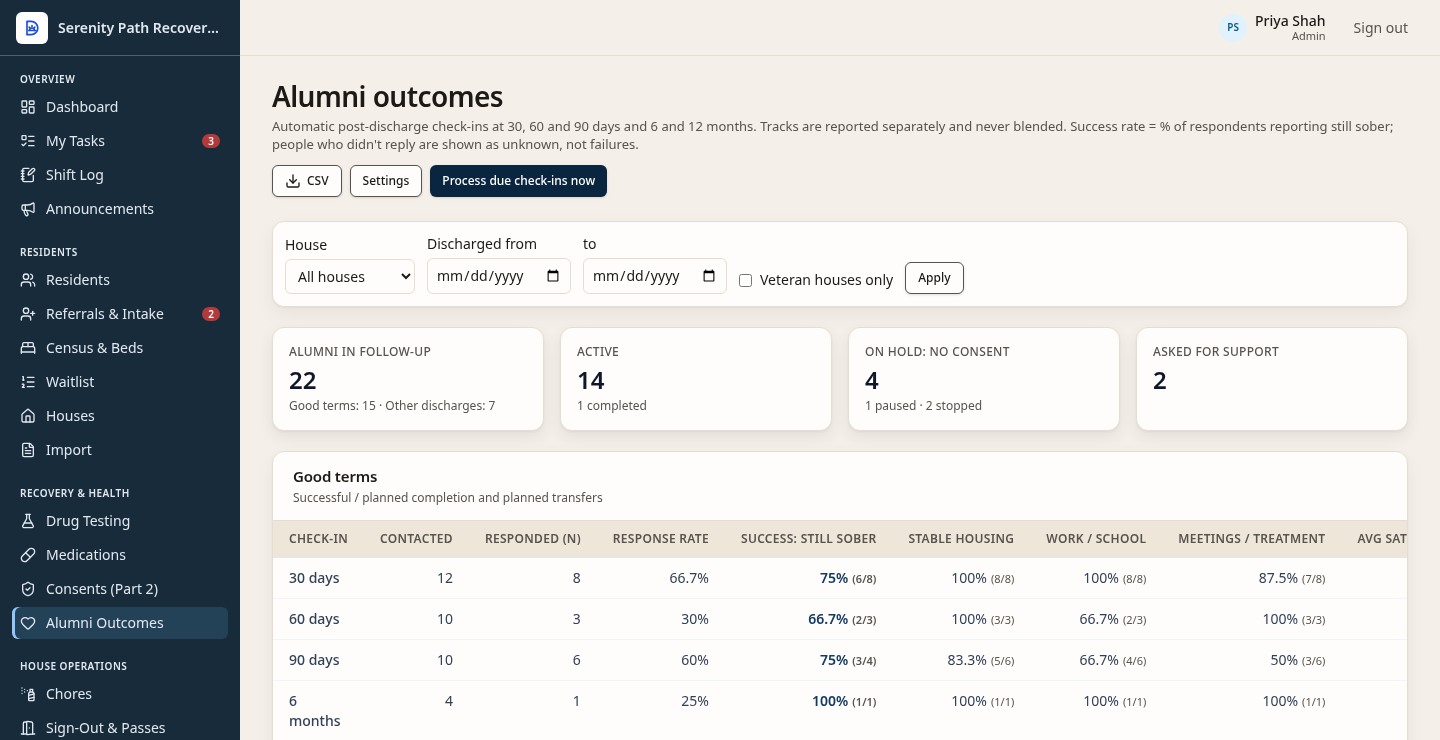
Follow-up is scheduled at 30, 60, and 90 days, then at 6 and 12 months. Someone who does not reply stays unknown. They are not marked a failure.
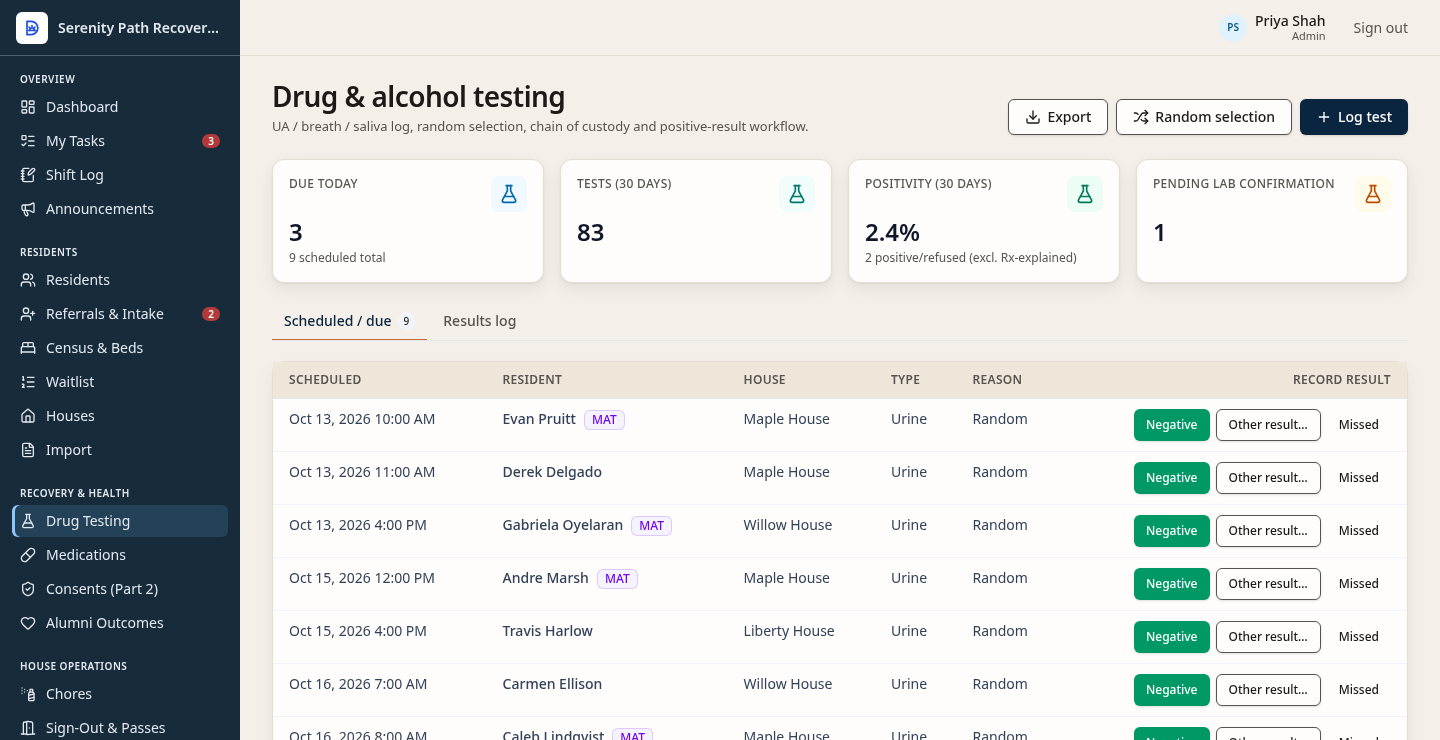
Tests are part of the house record, next to the bed. Staff see what is due and record a result. This schedule is not a clinical laboratory system.
Screens shown use fictional demo data.
Start the record at intake and keep consents with it. Disclosures later are consent-gated.
Record drug tests as part of the stay, next to the bed and the chart work staff already do.
Keep medications on the record, including medication-assisted treatment.
Document incidents in the same place as the census, so the story of the stay is not split across tools.
After discharge, checkpoints are scheduled at 30, 60, and 90 days, and at 6 and 12 months. They stay held, and no follow-up message is sent, unless a signed follow-up consent is still in effect. With that consent, a due checkpoint is handed to the configured notification provider. The local default is the outbox, which does not send live email or SMS. An alumni portal check-in saves the answers in the app. Asking staff for contact creates a task and does not send email or SMS. Follow-up is not part of the price.
Residents open a portal in a phone browser, on iPhone or Android, and can add it to the home screen. It is not an app-store download. They can see house, bed, phase, curfew, and announcements; mark a chore done; request a pass; log a meeting; see balance and receipts; read signed agreements and consents; and file a grievance.
If the program has beds, the census is the same tool sober living houses use: who is here, which bed, and which beds are open.
Included configuration is already in Settings: organization name, curfews, meeting and testing targets, fees, and house rules. Optional onboarding assistance is listed at $249. It is help using those settings, it is not required, and this website does not charge it. Custom development is a separate scoped build for that customer. It is not included configuration, and it is not a self-serve form builder. None of that turns Dorian into a replacement clinical EHR.